
The idea for this script came about over a pint with Andy Hume back in February. We were talking about how annoying it is that DOMContentLoaded only works for Mozilla and although IE has it's own proprietary 'Defer' method there's not a quick and easy and cross-browser way of checking for an element being available before trying to use it through the DOM.
The script checks for the availability of an element specified by an id. If the element is not available because the DOM is not ready the script checks and then re-checks every 50 milliseconds until the element becomes available. When the element is available it runs the callback function specified. As a fallback you can run the cleanUp function to cancel the polling and run the callback when the page loads for browsers that don't grok the main script (e.g. IE5.2 Mac).
All in all this function is a nice little exercise in using setTimeout as well as showing some love to the Object Literal, Christian will be proud.
var er={
  pollInterval: 50,
  chkDomId:function(elId,callback) {
    if (document.getElementById && setTimeout) {
      var poll, el = document.getElementById(elId);
      if (el) {
        clearTimeout(poll);
        callback();
      } else {
        poll = setTimeout(function(){er.chkDomId(elId,callback);},er.pollInterval);
      }
    }
  }
};
The Example
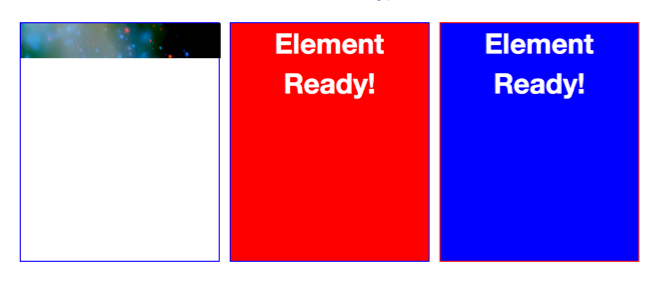
You can view a demo of this script in action here. Works in Firefox, Opera (8.5), Safari and IE Win. Alternatively just go straight to the source download elready.js.
Note: To use a callback function without arguments use the following syntax:
er.chkDomId('mySubmit', muf.hide);
Related Scripts and resources
If you are looking to attach an event to an element rather than just run a script when the element is available to the DOM, then do take a look at the Yahoo Event Utility as this has similar functionality in that if you look to attach an event to an element by and id and this element doesn't exist the Yahoo Event Utility keeps checking until that element is available before it attaches the event.
Brothercake (a.k.a James Edwards) has written a very nice script called domFunction which can also check for tagname collections as well as look for elements by id.
Dean Edward's post "The window.onload Problem - Solved!" was also influencial in helping me test the script, if you haven't already read this post I would recommend it.
Thanks must also go to Tim Huegdon for his suggestions and bugfixes